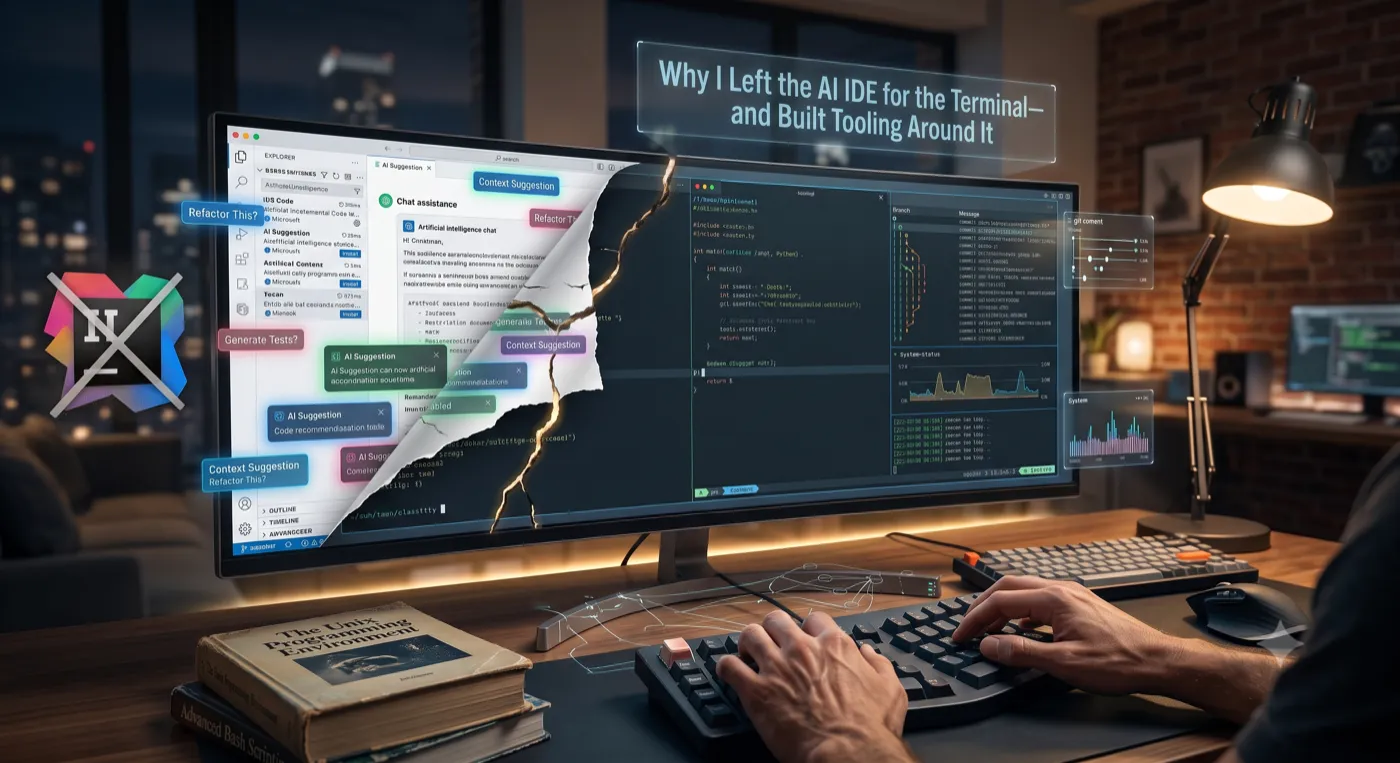
For about a year, my coding assistant lived inside my editor. Autocomplete in the gutter, a chat panel on the right, inline diffs I could accept with a keystroke. It was good. Then one afternoon I closed it, opened a terminal, and started giving the same tasks to a CLI agent instead.
I expected to switch back within a week. I didn’t. Months later the IDE is still there. I just don’t ask it to think anymore. This is the honest account of why the terminal won for me, what it still loses at, and the tooling I had to build to make the switch actually pay off.
The day I closed the panel
The thing that pushed me out wasn’t a feature. It was a feeling I kept having: the IDE assistant was a passenger in my editor, and the terminal agent was a colleague at my desk.
Inside the IDE, the assistant mostly suggested. It proposed a diff, I accepted or rejected it, and the loop ended there. Anything beyond editing a file (running the test suite, checking the git history, reproducing a bug, calling an internal API) was my job. The assistant watched.
In the terminal, the agent acts. It reads files, runs the build, parses the failure, edits, runs the tests again, and only comes back to me when it has something worth showing or a decision worth asking about. The unit of work stopped being “a diff” and became “a task.”
That’s the difference that made it stick. Everything below is just me explaining that difference to myself.
Why it stuck (it’s not because the terminal is cooler)
Three reasons, in order of how much they actually matter.
1. Composability
This is the real one. The terminal is the one place where every tool a developer already uses speaks the same language: text in, text out. The moment the agent lives there, it can compose with all of it without anyone writing an integration.
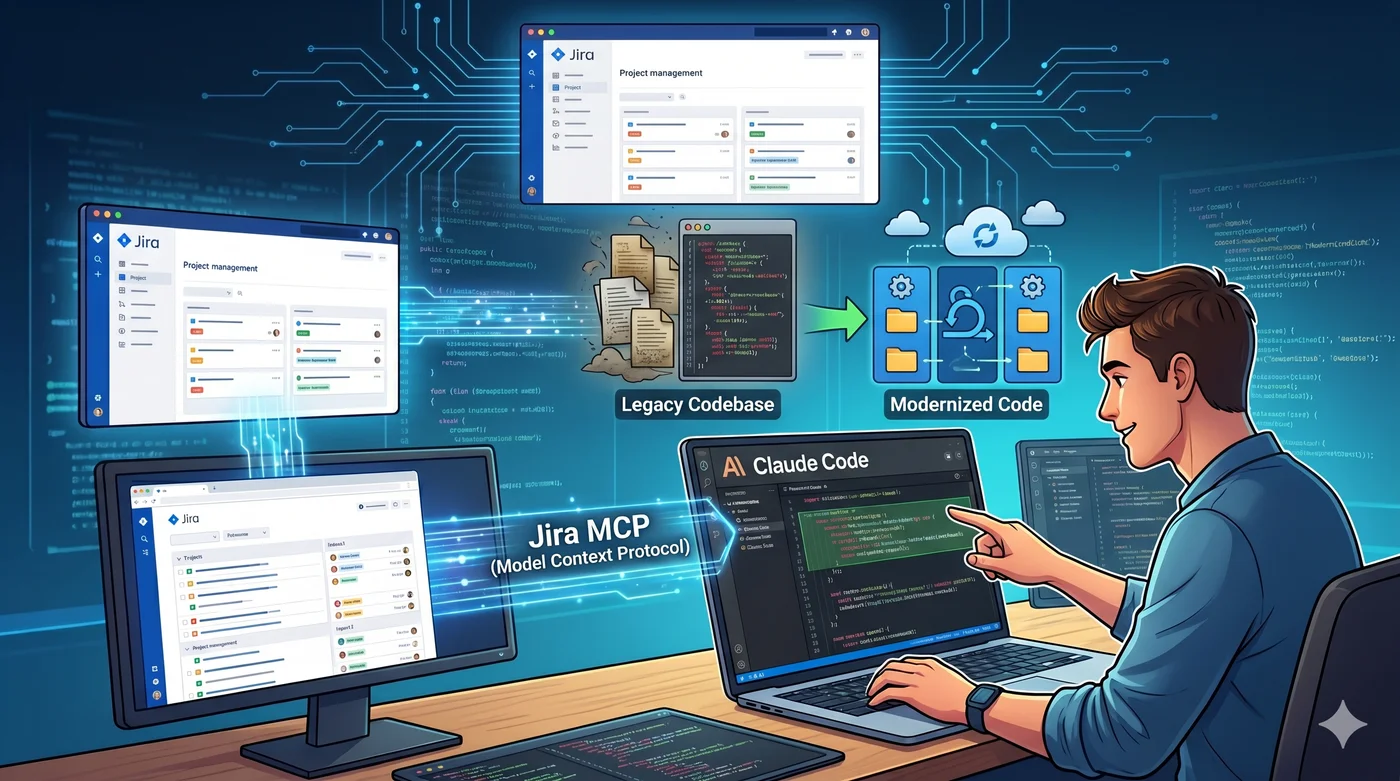
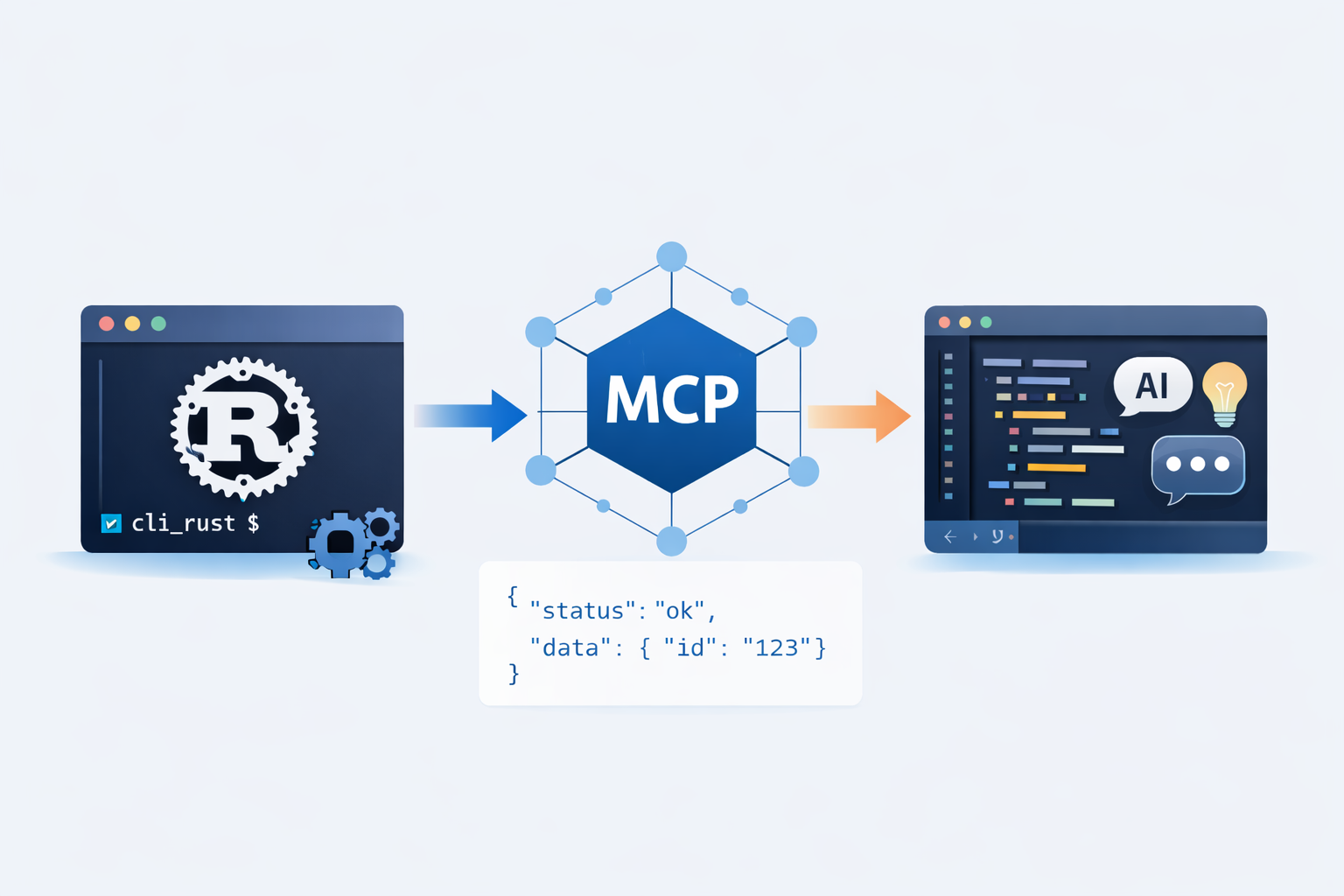
It runs git directly. It pipes build output into a grep. It calls my own CLIs. It talks to external systems over MCP. None of that required a plugin, an extension API, or a vendor’s blessing. The IDE assistant, by contrast, could only do what its extension surface allowed: a walled garden, however nice the walls.
An IDE is a product. The terminal is a protocol. You can build on a protocol.
2. Context that survives the session
On a real codebase, especially a legacy one, most of the work is understanding before changing. The terminal agent treats the whole repository as its working set: it greps, follows call chains, reads what it needs, and keeps that context across a long session. I’m not re-explaining the project structure every few minutes.
In the IDE, context was implicitly “the files I have open.” Powerful for the function under my cursor, weak for “trace how this value flows through eight service layers.” The terminal flipped that, and tracing flows is most of what legacy work actually is.
3. Control
In the terminal I can see exactly what the agent is about to do, interrupt it, and steer. The loop is legible. When the agent is composing real commands rather than operating a hidden editor API, I can supervise it instead of trusting it. For anything touching production code, that legibility is worth more than convenience.
The honest trade-off
If I only told you the wins, this would be a sales pitch, not an account. The IDE still does several things better, and pretending otherwise would be dishonest.
- Visual navigation. Jump-to-definition, find-references, the call hierarchy, a real debugger with breakpoints and a watch window: these are better in the IDE, full stop. When I need to step through code, I’m back in the editor.
- Tight, local edits. For a small, well-scoped change in a file I’m already looking at, inline autocomplete is faster than describing the task to an agent. Not every change deserves a sentence.
- Discoverability. The IDE shows you what’s possible. The terminal assumes you know. That’s a real barrier, and I’ll come back to it.
- Visual artifacts. Rendering a component, inspecting a UI, reading a flame graph: the terminal is the wrong tool, and I don’t pretend it isn’t.
So this isn’t “CLI beats IDE.” I still use both. The accurate version is: the terminal is where the agent should think; the IDE is where I still go to look.
What the terminal unlocked (and forced me to build)
Here’s the part most “I switched to the terminal” posts skip. Composability is a promise, not a feature. The terminal lets you compose tools; it doesn’t hand them to you. Once the agent became a real actor at my desk, the gaps showed up fast, and I had to build the layer that made the switch worth it.
Three problems appeared almost immediately.
The output was too noisy. Agents read tool output as tokens, and raw developer output is mostly noise: ANSI color codes, verbose JSON, duplicated stack frames. The agent was paying, in context and in dollars, to read junk. So I built trimcp, an MCP proxy in Rust that sits between the agent and its tools and compresses what comes back: it strips ANSI, minifies JSON, and deduplicates repetitive blocks before the agent ever sees them. Same information, a fraction of the tokens.
The commands were too expensive. A lot of routine dev operations produce far more output than the agent needs. This one I didn’t have to build myself: RTK (Rust Token Killer) is an open-source CLI proxy that transparently rewrites common commands so they return only the signal. I wired it in through Claude Code hooks, so it happens with zero overhead in the prompt and nothing for me to remember.
Finding the right code was too slow. On a large repo, an agent can waste half a session just rediscovering structure. semtree does on-device semantic code search (tree-sitter parsing, local embeddings, an HNSW index, no API keys) so the agent can ask “where is the logic that does X?” and get the relevant code, not a thousand grep hits.
On top of that sit the boring-but-essential pieces: a per-project CLAUDE.md that encodes the conventions and landmines (the single highest-leverage file I maintain; I’ve written about that separately), and a handful of custom skills for the workflows I repeat.
None of this is exotic. It’s plumbing. But it’s plumbing the IDE never let me build, because I didn’t own the pipes. That’s the whole argument in one sentence: the terminal won because I could build around it.
Who this is for, and who it isn’t
I’m wary of universal advice, so let me scope it.
This setup fits a senior, autonomous engineer who already knows the codebase well enough to supervise an agent and judge its output. If you can tell good work from plausible-looking work, the terminal multiplies you. The composability and control are leverage in experienced hands.
It fits legacy and backend work especially well, where the job is mostly understanding, tracing, and careful change, and visual tooling matters less.
It fits less well if you lean on visual debugging and UI work all day, or if you’re early enough in your career that you can’t yet catch an agent’s confident mistakes. The IDE’s guardrails and discoverability are genuinely valuable there, and “the terminal assumes you know” stops being a quirk and becomes a wall.
The takeaway
The framing of “AI IDE vs terminal agent” is a bit of a trap. It’s not really CLI versus IDE; it’s composability versus lock-in. I didn’t move to the terminal because it’s minimalist or nostalgic. I moved because it’s the one environment where the agent can reach every tool I use, where I can see what it’s doing, and, most importantly, where I can build the missing pieces myself.
The IDE is still open in another window. I just stopped asking it to do the thinking.
trimcp and semtree, the Rust tooling I built, are part of rustkit-ai. I’ll break down the token numbers behind trimcp in a follow-up.